








Generator
Historia
Generátor planów AI
Narzędzie zmiany
Model
Podstawowy
Przełącz
Pokoje
sypialnia
-
2
+
łazienka
-
1
+
Kuchnia
otwarty
zamknięty
Powierzchnia brutto
Jednostka Metryka
 imperial
Metryka imperialArea
< 50㎡
50-80㎡
80-100㎡
100-120㎡
120-150㎡
> 150㎡
Dodatki
schrank walk-in
pomieszczenie do prania
pomieszczenie magazynowe
pomieszczenie gospodarcze
biuro domowe
garaż
spichlerz
połączona salonina i jadalnia
balkon

Design Your Dream Home with Our Online Free House Plan Maker
Unleash your creativity and visualize your ideal living space in minutes with Ideal House’s AI Floor Plan Generator. Our intuitive online free house plan maker empowers you to craft detailed 2D floor plans without any design experience. Perfect for homeowners, real estate professionals, and designers, our tool makes creating custom house plans easy and accessible.
Generate My Floor Plan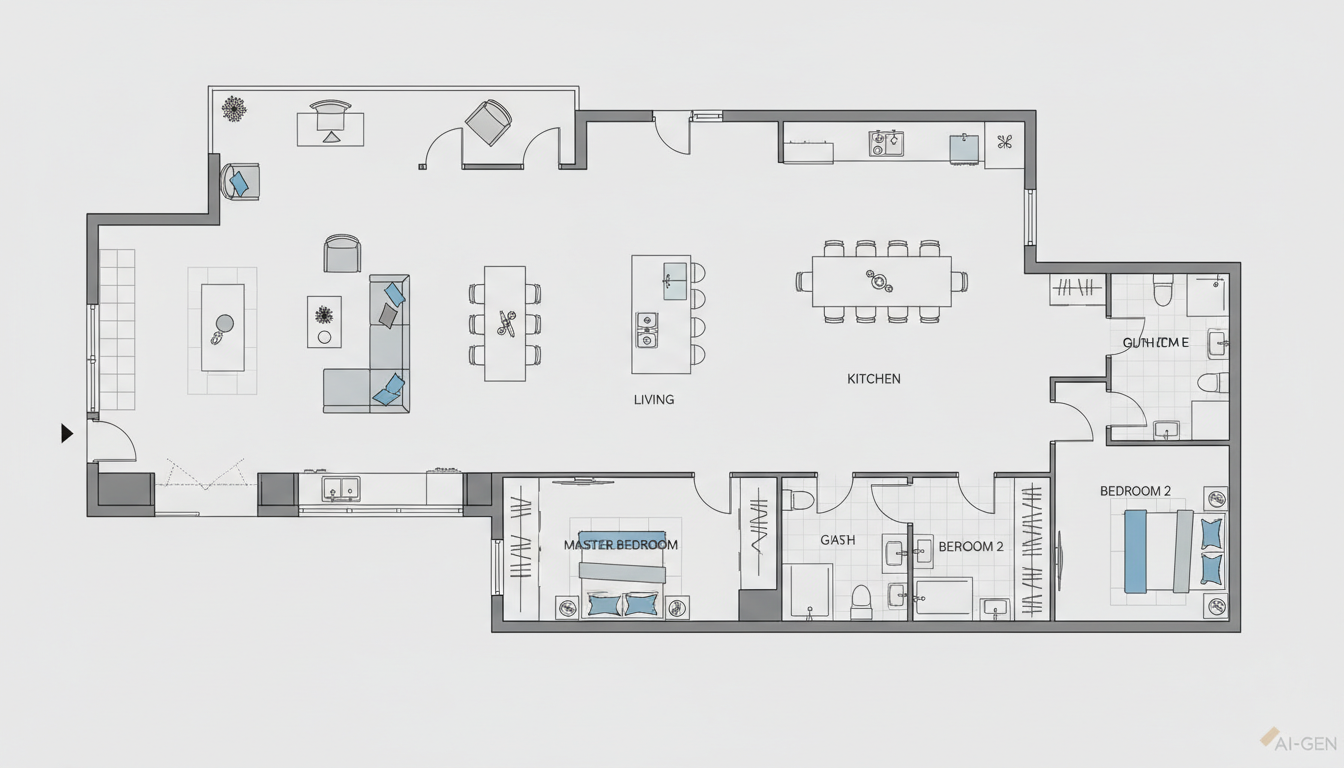


Transform Your Vision into Reality: Key Advantages of Ideal House's AI Floor Plan Generator
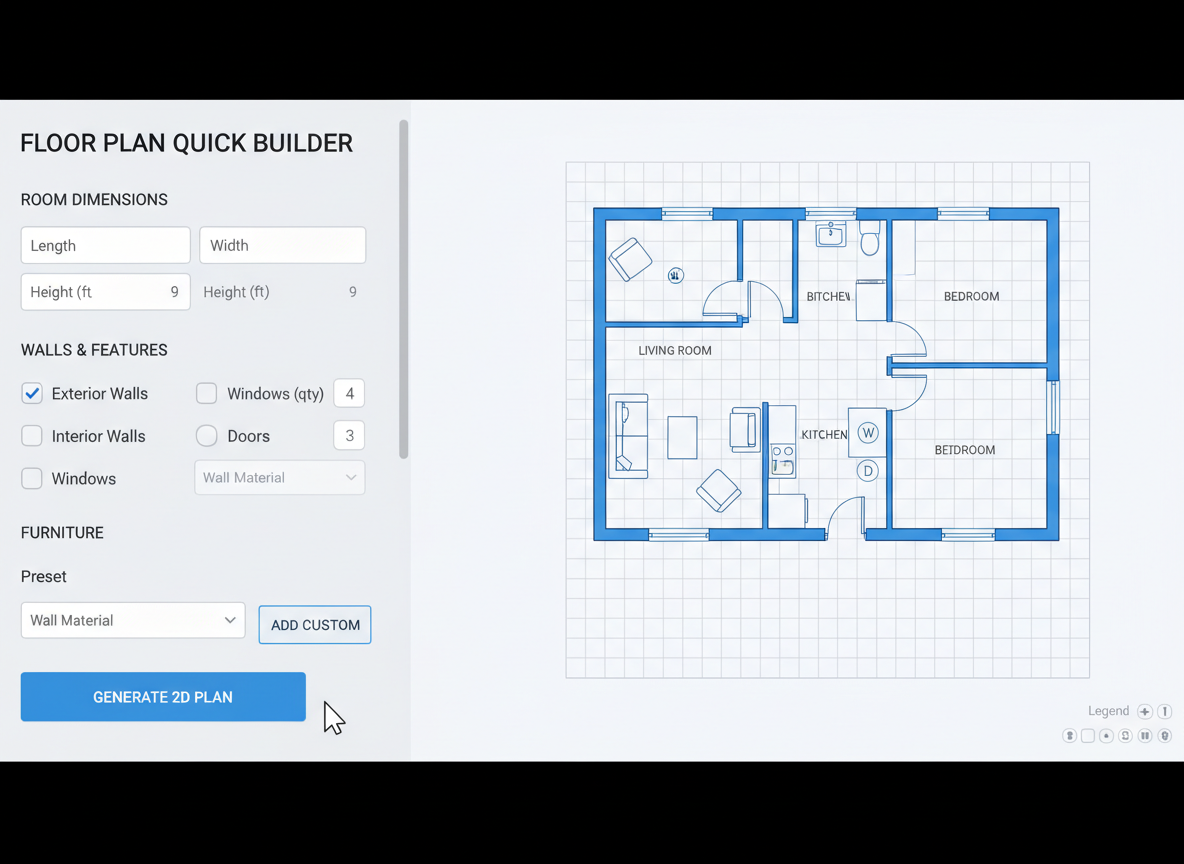
Instant, Intuitive Floor Plan Creation
Say goodbye to complex software and hello to simplicity. Our online free house plan maker utilizes advanced AI to convert your design preferences into professional 2D floor plans in seconds. Just input your desired rooms, kitchen style, and area, and watch your custom house plans come to life. It's the ultimate floor plan creator for speed and ease.
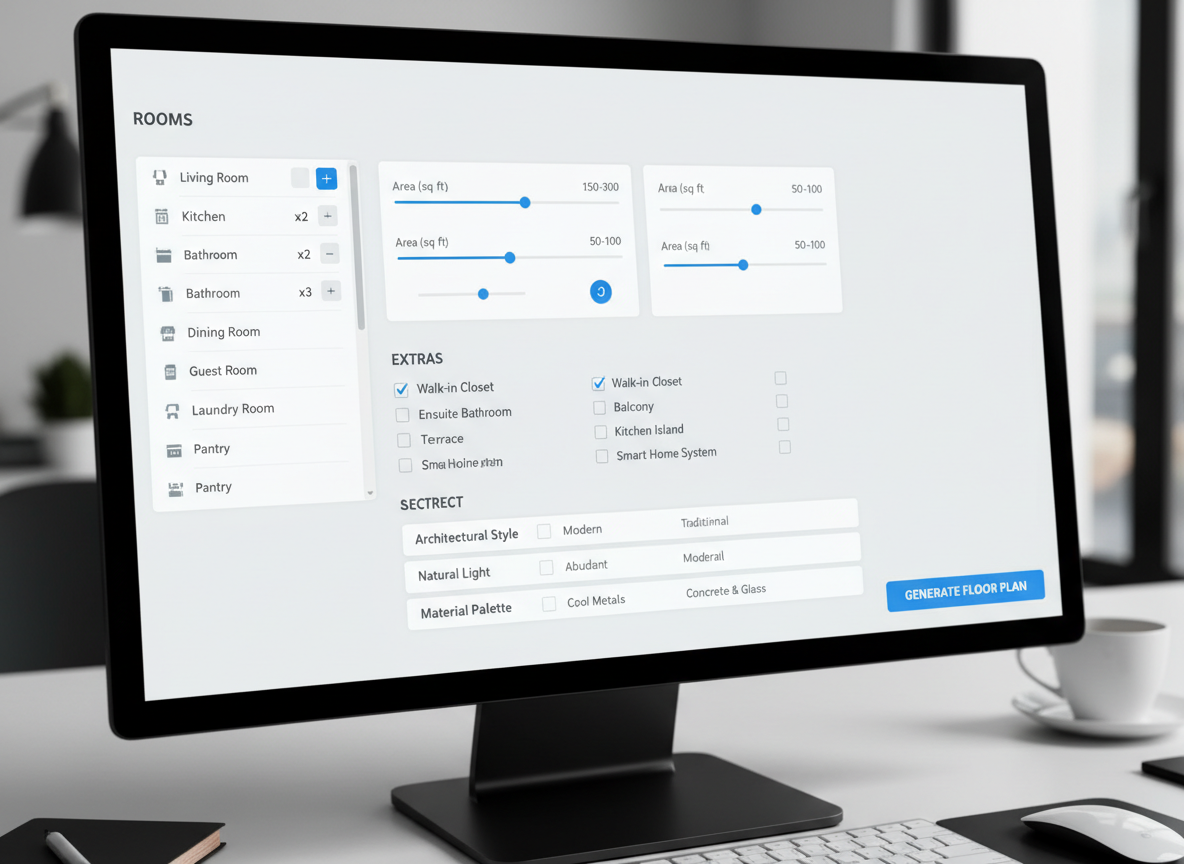
Tailor-Made Designs with Parameter-Driven Planning
From the number of bedrooms and bathrooms to specific 'extras' like a walk-in closet or home office, our AI floorplan generator gives you full control. Easily choose open or closed kitchen layouts, define gross area ranges, and add essential elements to shape the perfect home layout tool for your needs. This robust building layout feature ensures your residential plans are truly unique.
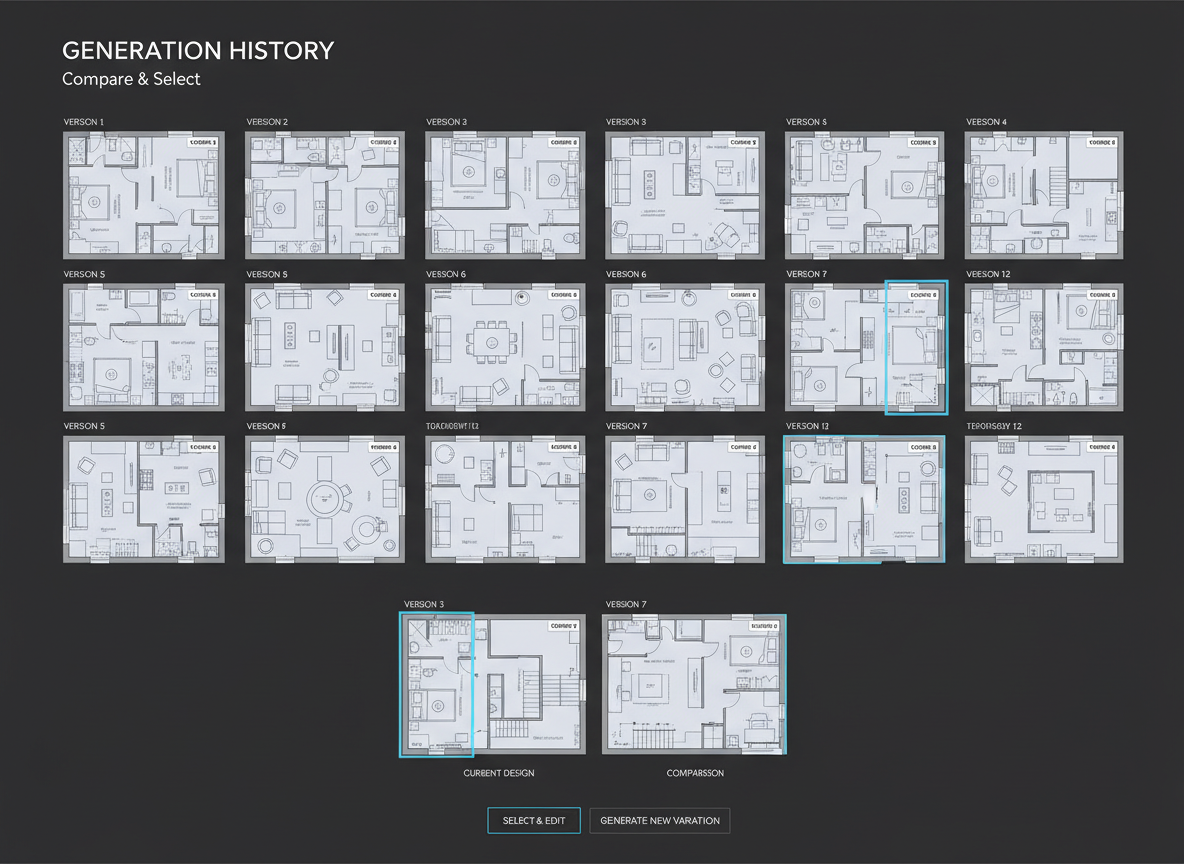
Visualize and Iterate with Ease
Experiment with countless design possibilities without commitment. Our online free house plan maker saves every generation in your history, allowing you to compare, refine, and select the ideal blueprint. This floor plan creator is an exceptional interior design tool for space planning, helping you explore different apartment layouts or entire home remodeling planner concepts efficiently.
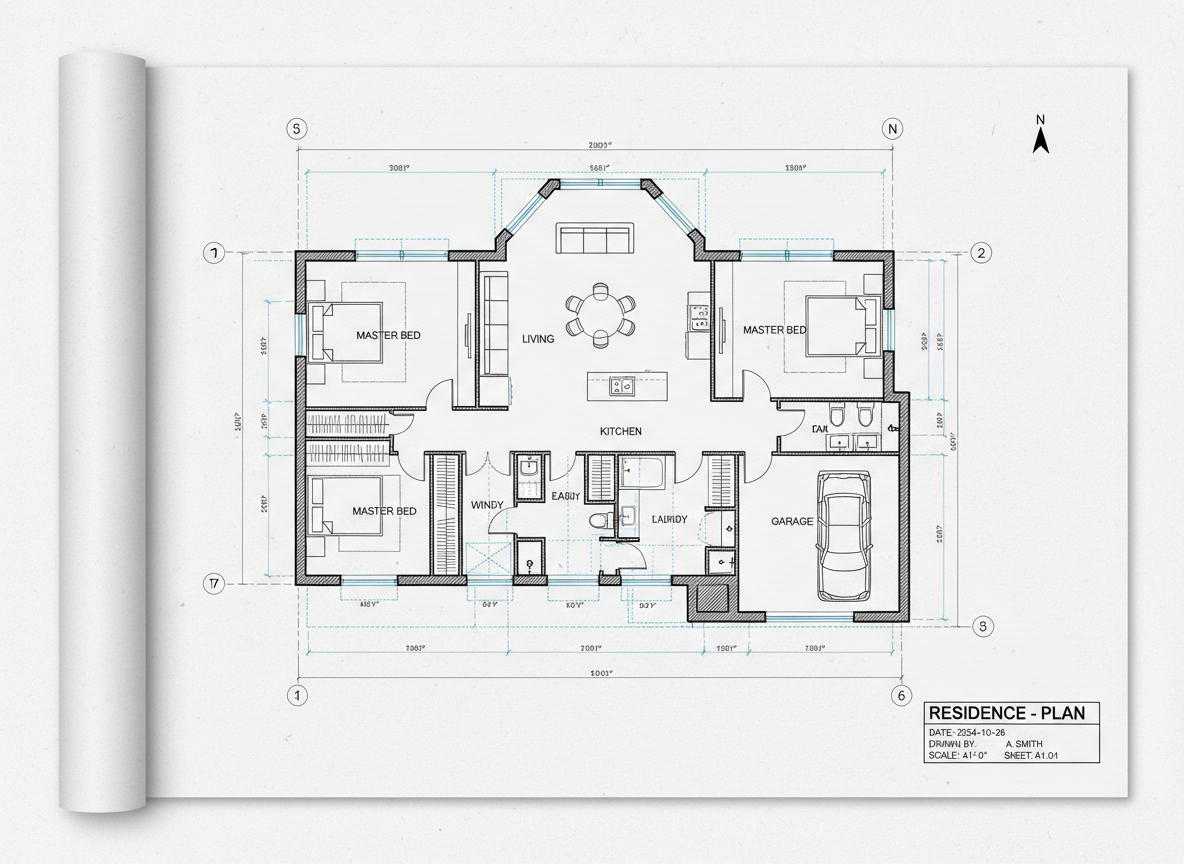
High-Quality, Shareable Architectural Drawings
Get presentation-ready 2D plans that are perfect for client meetings, real estate listings, or personal projects. Ideal House delivers clean, clear architectural drawing outputs that convey your vision effectively. Whether you're a professional looking for a quick floorplan generator or a homeowner wanting to design your own home, our tool provides polished results every time.

Who Benefits from Our Online Free House Plan Maker?

Homeowners & DIY Enthusiasts: Easily design your own home and visualize home remodeling planner projects.

Interior Designers & Decorators: Quickly create apartment layout concepts and iterate live with clients using this advanced interior design tool.

Real Estate & Rental Professionals: Generate consistent, clear 2D floor plans for listings to attract buyers and renters instantly.

How to Use Ideal House's Online Free House Plan Maker
1
Set Rooms: Choose the number of bedrooms (0–4) and bathrooms (1–3) to define your core living spaces.
2
Choose Kitchen Style: Toggle between an open or closed kitchen to match your preferred home layout tool design.
3
Pick Gross Area: Select a size range to guide the overall proportions and scale of your custom house plans.
4
Add Extras: Multi-select features like a walk-in closet, home office, or balcony to refine your floorplan generator design.
5
Generate & Review: Click 'Generate' to instantly create your 2D floor plan. Review and compare versions in your Generation History.
6
Download & Share: Export your chosen blueprint maker design as an image or PDF for easy sharing with clients, contractors, or listings.
Frequently Asked Questions About Our AI Floor Plan Generator
How does this online free house plan maker create designs from my selections?
Our AI floor plan generator interprets your inputs—beds, baths, kitchen type, gross area, and extras—and applies established architectural drawing and space planning principles to draft a clear 2D floor plan. Each click generates a fresh, unique concept.
What are the available ranges and default settings?
You can select 0–4 bedrooms (default 2), 1–3 bathrooms (default 1), open or closed kitchen (default open), and various gross area bands. Extras are multi-selectable to customize your residential plans.
How does 'Gross Area' influence my custom house plans?
The gross area band guides the overall scale and footprint, ensuring that rooms and corridors within your blueprint maker design are proportionally accurate and realistic for the selected size.
What is the difference between open and closed kitchen options in the floor plan creator?
An open kitchen promotes a continuous sightline and flow into living and dining areas, ideal for modern space planning. A closed kitchen defines a separate cooking zone, offering clearer separation and often more wall space for cabinetry.
What do 'Extras' like a walk-in closet or home office do for my home layout tool design?
Extras inform the AI floor plan maker about specific functional spaces you require. For example, a walk-in closet will be positioned near a primary bedroom, and a home office in a quieter, more private location within the apartment layout.
Explore More Ideal House Design Tools
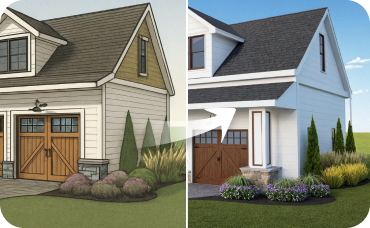
AI 3D Rendering
Turn your favorite 2D design into an immersive 3D model and get a true feel for the space.
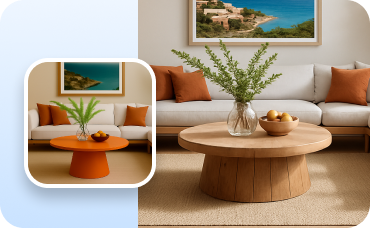
Change Furniture
Add, remove, or swap items to perfectly place your virtual mini fridge and furnish the rest of the room.
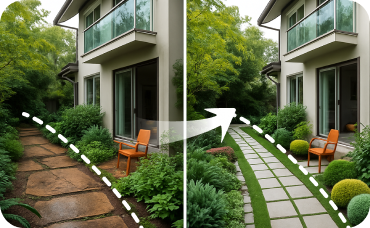
Landscaping
Extend the tropical design elements from your interior to your yard for cohesive curb appeal.
Ready to Design Your Space?
Experience the fastest online free house plan maker and create professional 2D floor plans today. Your ideal home layout is just a few clicks away.
Generate My Floor Plan
💰 Otrzymuj 10% prowizji jako partner z programu afiliacyjnego Ideal House.
Dołącz do nas